Integrations
Connecting Git providers and Notification channels
Git Providers
ScanWarden supports both SaaS and Self-Hosted Git providers. Connecting a provider allows you to browse repositories and automatically configure webhooks.
Supported Providers
- GitHub (.com)
- GitLab (.com and Self-Hosted)
- Gitea / Forgejo
- Codeberg
How to Connect
- Go to Settings > Integrations.
- Click Add Integration.
- Select your provider.
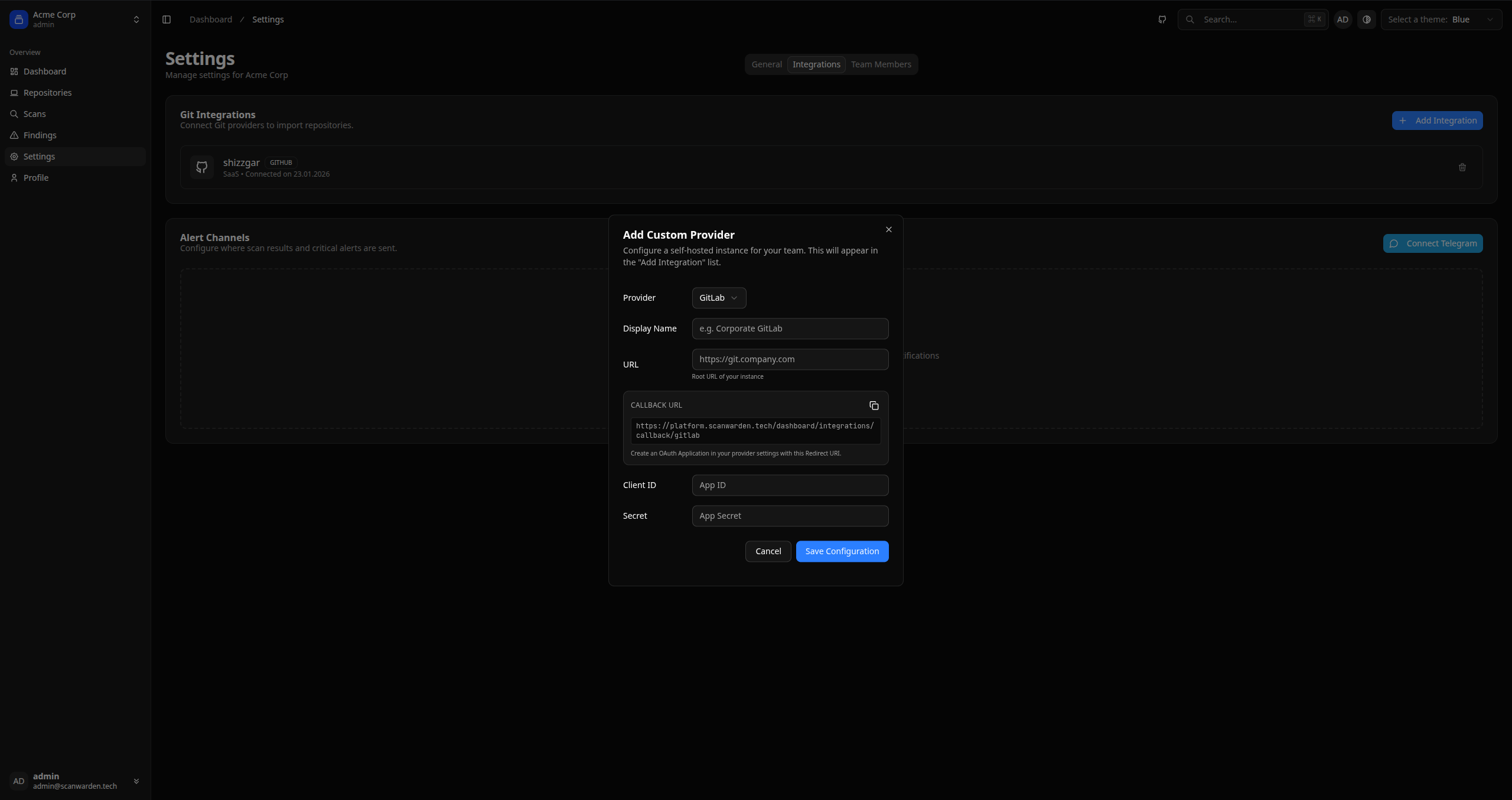
- For self-hosted instances, you must first add a "Custom Provider" configuration with your
Client IDandClient Secret.
Notifications
You can receive real-time alerts about critical findings or failed scans.
Telegram Bot
ScanWarden includes a Telegram bot for convenient alerts.
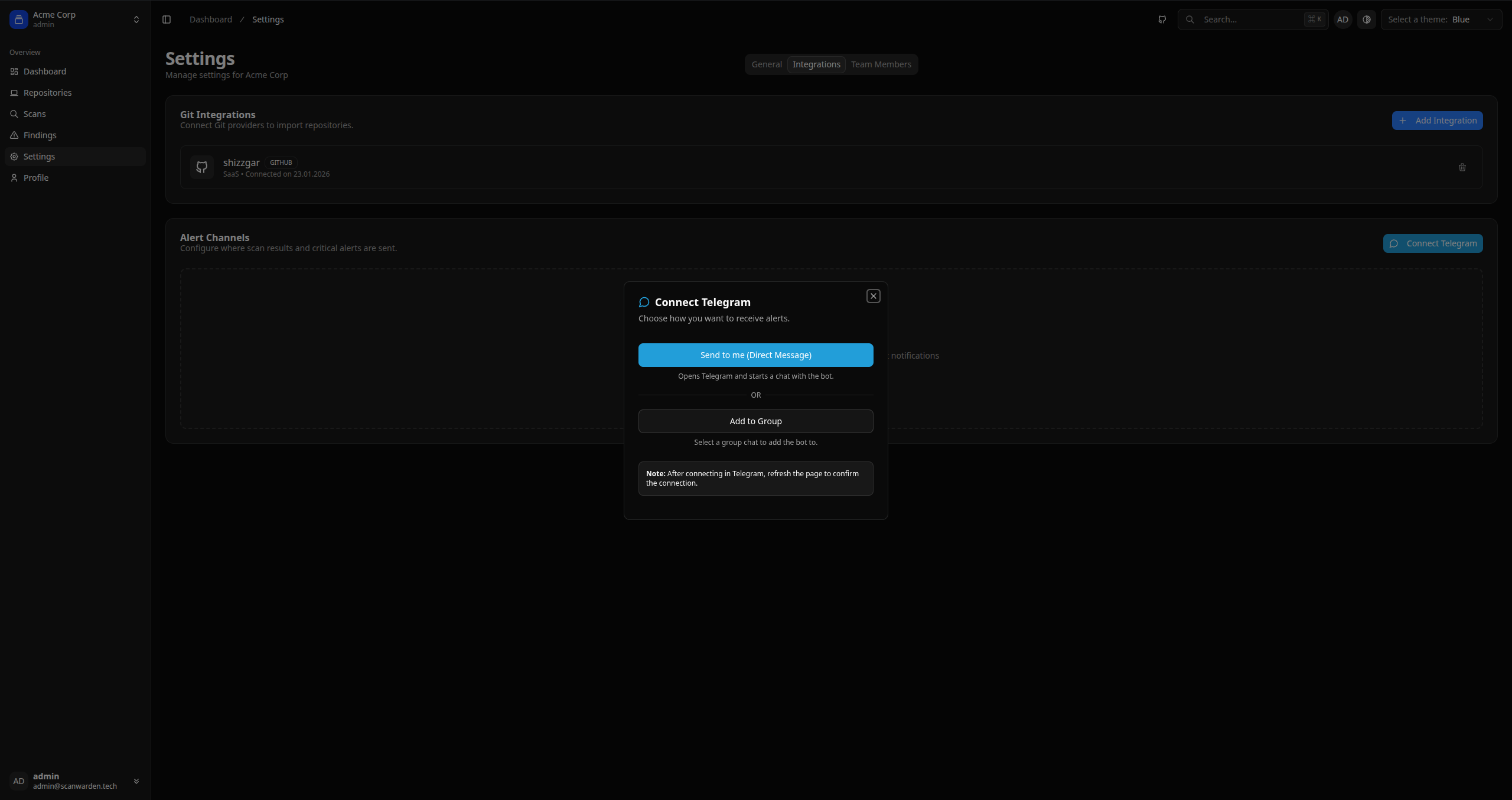
- Go to Settings > Notifications.
- Click Connect Telegram.
- You will receive a unique Deep Link.
- Click the link to start a chat with the bot. The link contains a secure token that binds your Telegram chat to your Organization.